Development and Version Control
My work
Explanation
In this example of the learning outcome 'development', I will be showing some of the code for my projects, portfolio, and some small exercises.
Action
SVG's
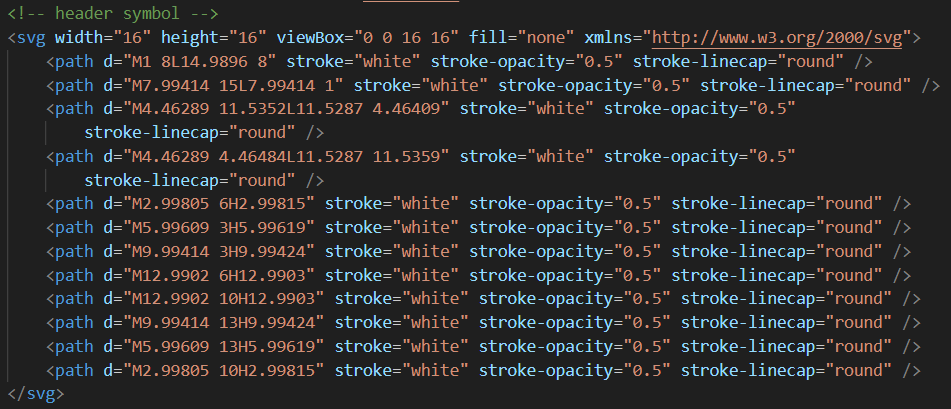
In the picture above you can see an SVG. I learned about using SVG's in class. With this, I could directly copy a 'design' I made in Figma into my code without for example making a screenshot. In this link, you can find a git link that shows the actual code and in the picture below you can see what that SVG looks like.

This is the symbol I 'made' in Figma. This symbol is shown on my website by the code above. I did learn later on that using SVG's are quite big. So in the future, I might consider using fewer SVG's.
Drag and drop JavaScript

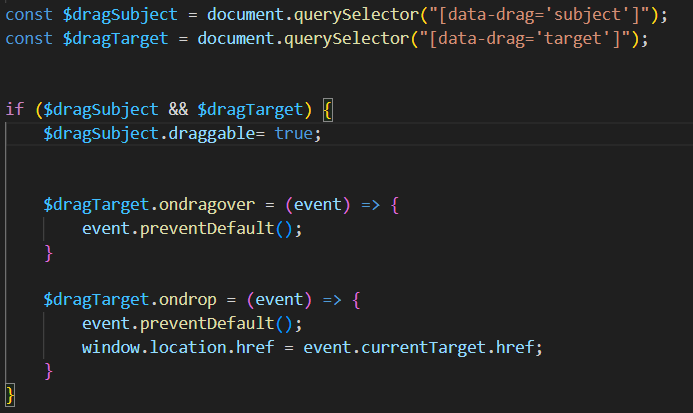
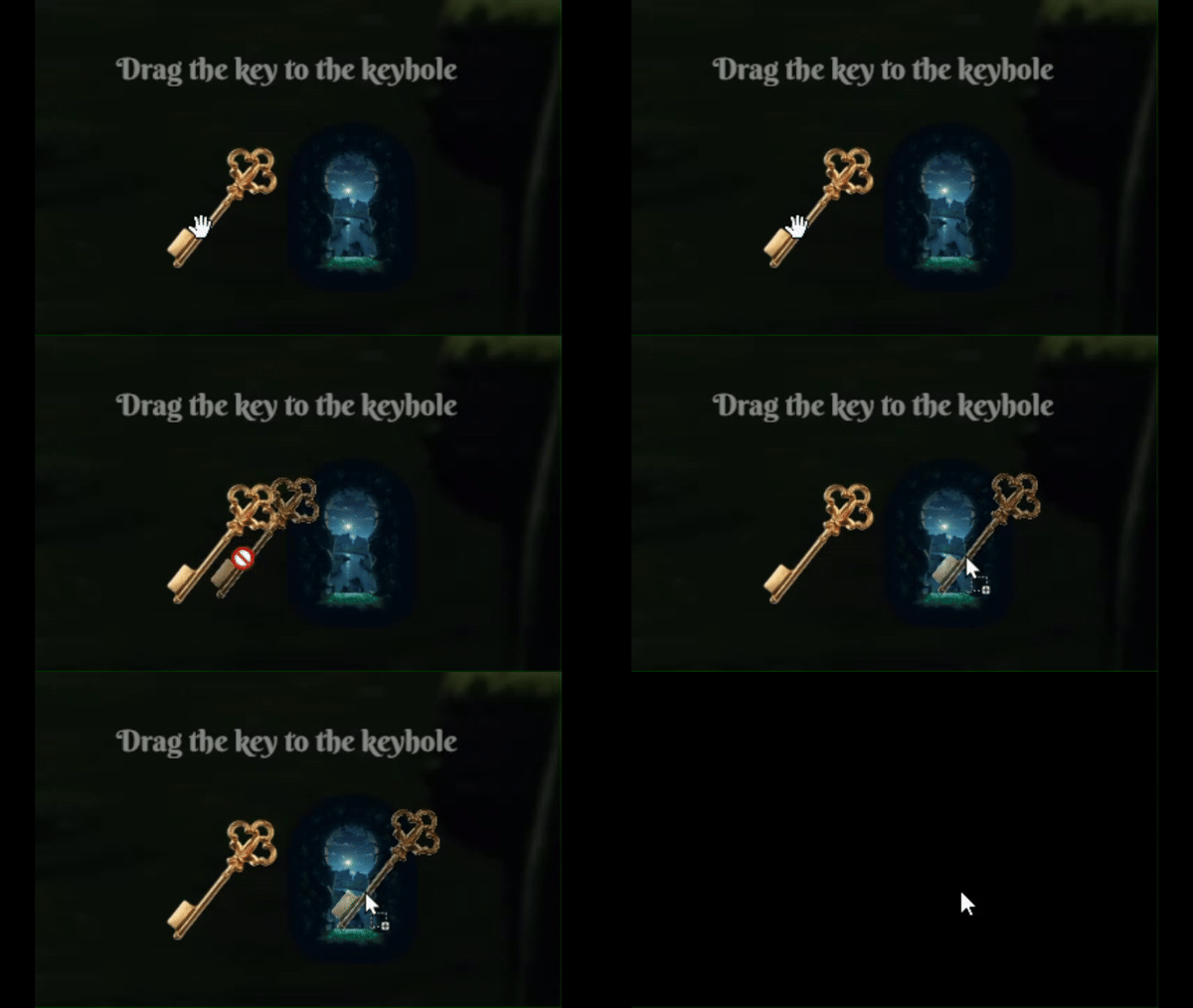
There are two images above, the first one is a piece of HTML, it has two pictures the first one being a key and the second one being a keyhole. The idea was that if you drag the key to the keyhole you would go to a secret page. In my mind, this would be very hard to do, so I went to the teacher. The teacher coded this part and said that it was just dragging and dropping however, I still found it difficult. This is the link to that specific code. There was one problem with this code and that was that you could still just click on the keyhole and go to the secret page.

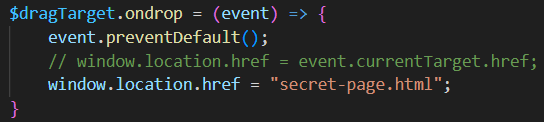
After asking ChatGPT for a possible solution, I found that I could just put the navigation in JavaScript. This was very useful to learn, and now the navigation to the secret page goes exactly the way I want. This is the link to the changed code.
CSS naming conventions
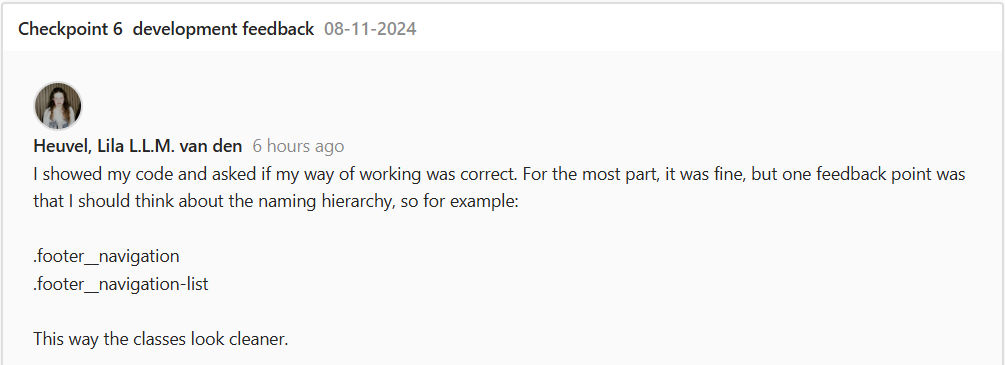
I went to the teacher for feedback on my overall code. The main improvement point was that I could make the naming of the classes more convenient.
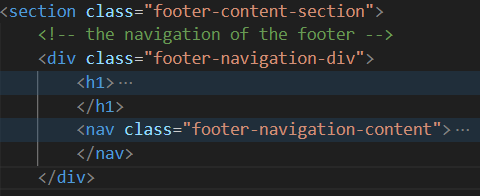
In the picture above you can see the names I use for the classes in the footer. Here is the link to the old code for the classes in CSS.
After receiving the feedback I thought about renaming my classes, then I realized that my code would probably become messy and it would be very likely that I would mess up. So, I decided to redo my whole portfolio in this new way.
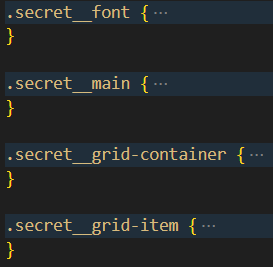
In the image above you can see the new naming conventions. I tried to name elements in the BEM method. Here is the link to that code.
Button animation
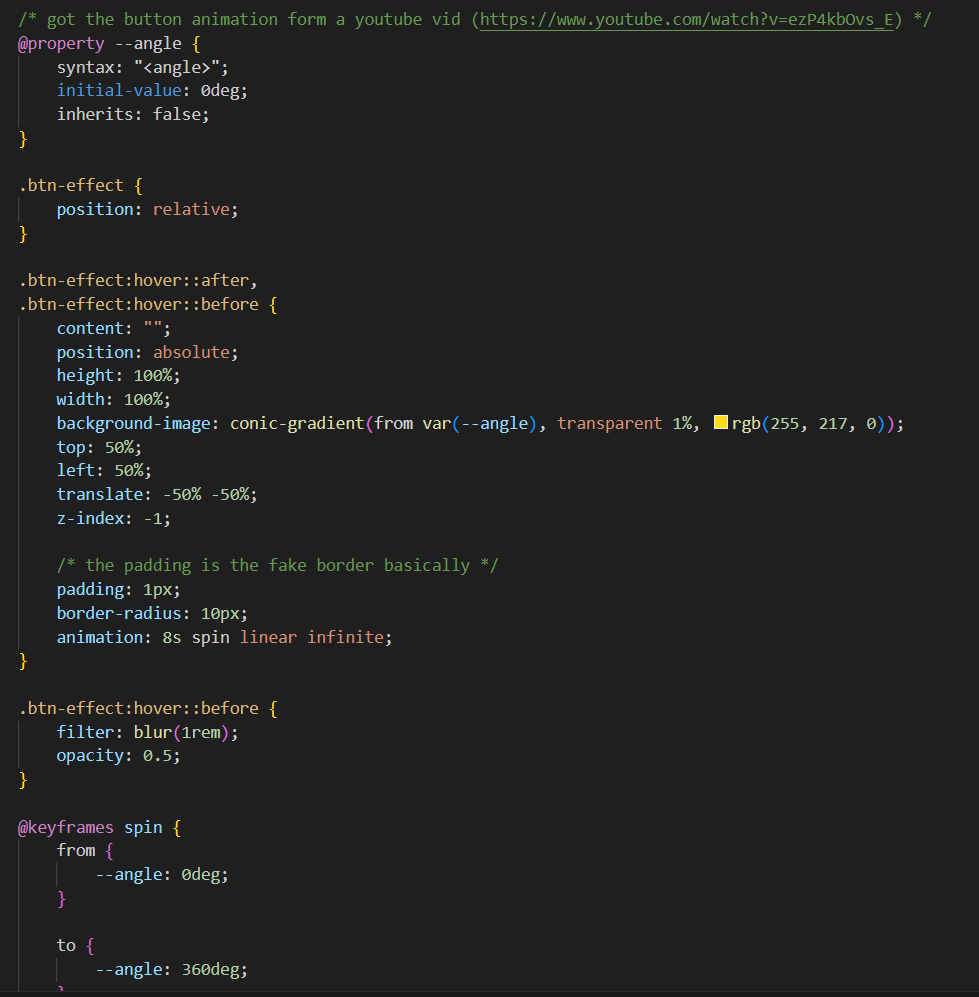
In the image above, you can see all the styling for the Discover button on the home page. What this styling does is when you hover over the button, there will be an animation that looks like a 'magical' golden glow. In reality, however, there is a div positioned behind the button that does the animation. I learned about this through a YouTube video. Here is the link to the code.

Reflection
Reflecting on my coding skills I believe I'm competent in HTML, I can get by with CSS, and I still have a lot to learn about JavaScript.
In the future and as I continue with this study, I think I will learn more about coding as I go, but in the places I lack (like naming conventions and JS) I will try to improve with practice, watching YouTube videos, and following courses online.
See full documentation here: FULL DOCUMENTATION