Development and Version Control
My work
Explanation
For this example of the learning outcome development and version control, I will show my documentation in a version control environment, using GIT.
Action
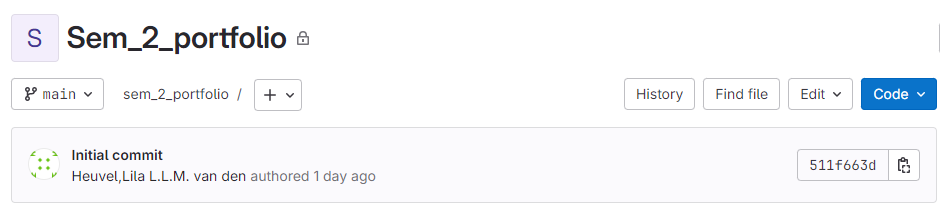
I created my GIT repository.
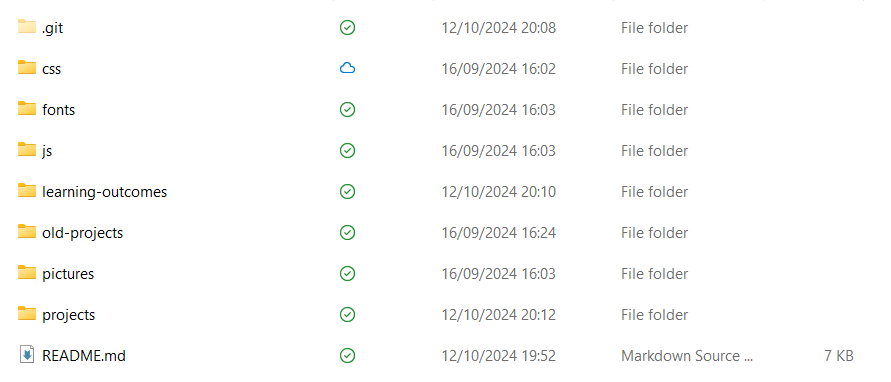
Then I cloned it into my files.
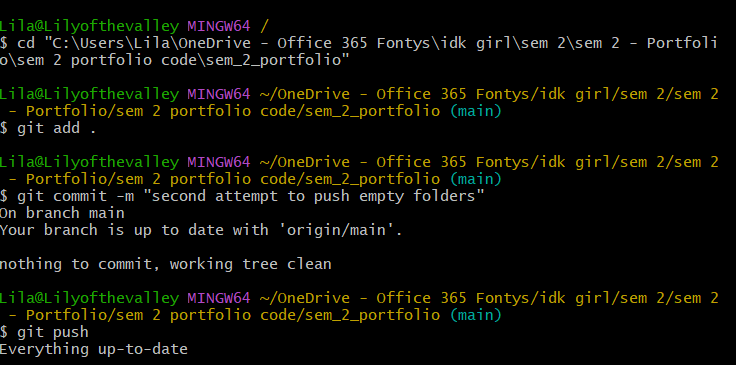
I tried to push all my files, but then I found out I couldn't push empty folders. After I started coding and adding things to my folders using GIT bash was no problem.
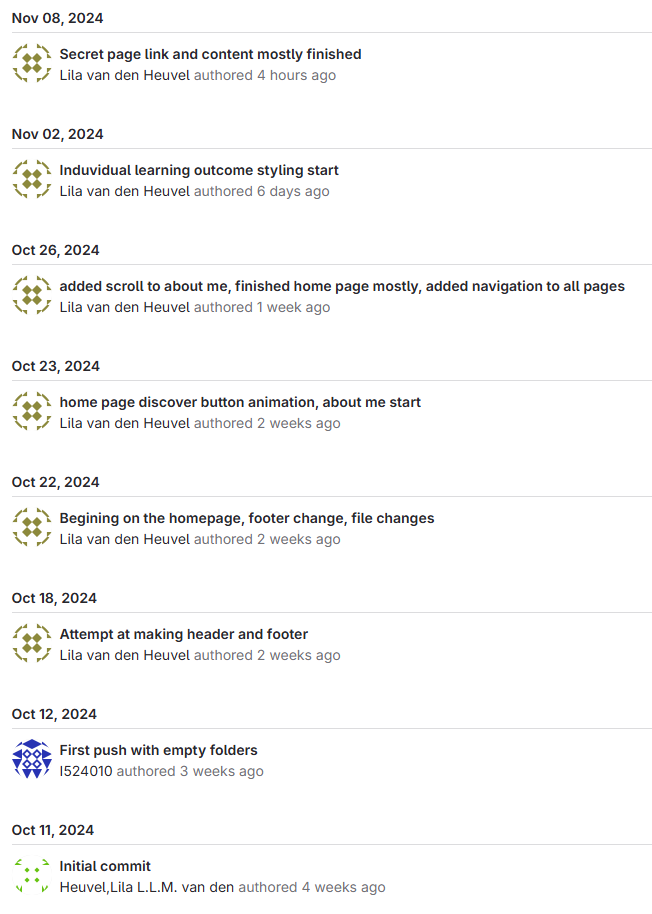
In the picture above you can see a part of my GIT history. I tried to make sure that I pushed my code every time I finished working. I also attempted to name the messages as clearly as I could come up with.
Here is an example of how I push to git.
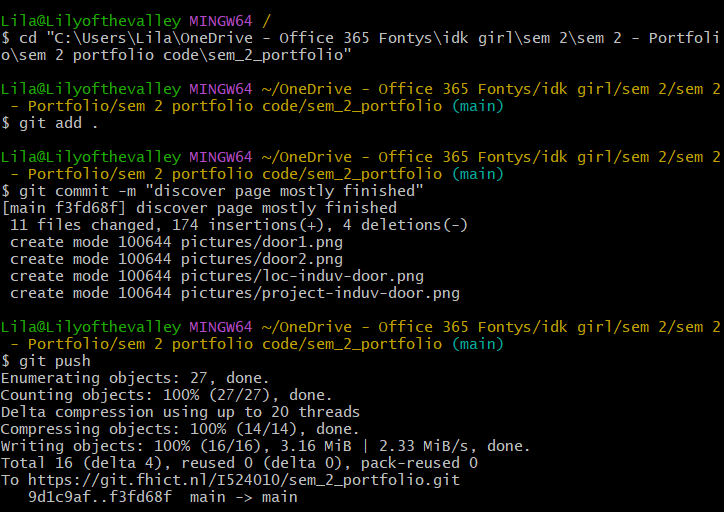
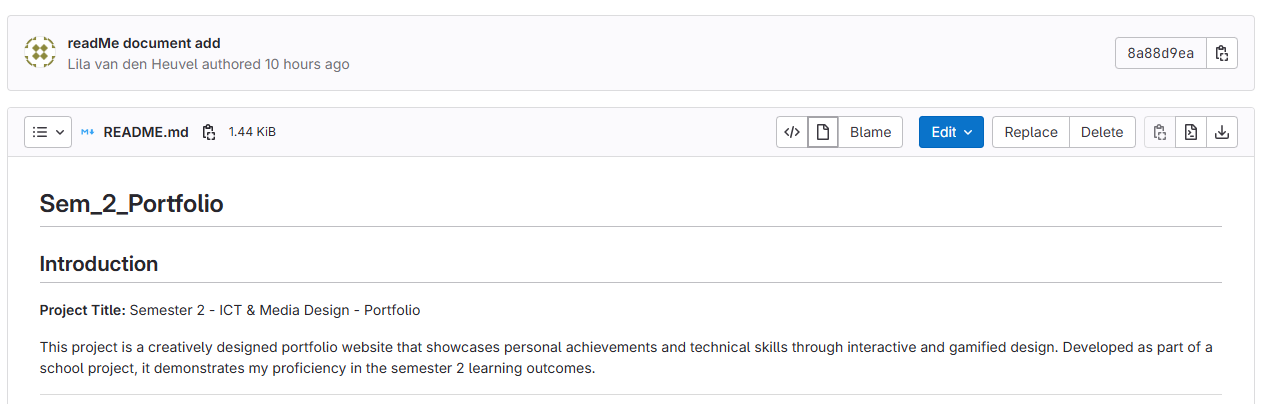
I also made a README document. At first, I didn't know how to make this document but after looking online, asking ChatGPT, and eventually asking the teacher I figured out how to tackle it. In the picture below, you can see that I pushed the README document with a clear and descriptive message, therefore it also fits in the learning outcome goal of version control. This link is for the specific version of the README document below because it contains the commit hash in the link.
Reflection
Reflecting on my usage of Git, I think I understand how to use the basics. There are some things I could improve on, for example, connecting Git to my Visual Studio Code. This would make the process more efficient if I learned how to do it. I can also work on naming my commit messages a bit better this way my git project will be clearer and easier to look through.
In summary, I only used the basics of Git, but for my portfolio, this was sufficient to track updates and manage version control.
In the future, I intend to familiarize myself more with Git and to push more often to really keep track of all the changes I make. I will also try to improve on how to write short but clear commit messages.
See full documentation here: FULL DOCUMENTATION