(Other exercises)
Explanation
You document and comment your code using version control in a personal and team context and communicate technical recommendations.
In this example of the learning outcome Transferable Products, I will be showing what I did to improve my skills in coding.
Action
Express.js exercise
In class, we got the assignment to start up a project with pre-made code and then style it. We also had to add something new to the project before we could add it to our portfolio.
We first got the raw code and had to start that up using the command prompt.

After this, I could see the raw website. This was different from what I was used to because I had only used the “http://127.0.0.1:5500” before instead of the “localhost:3000”.
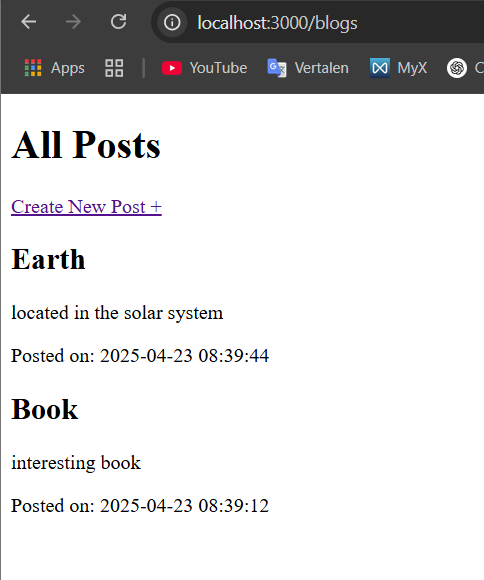
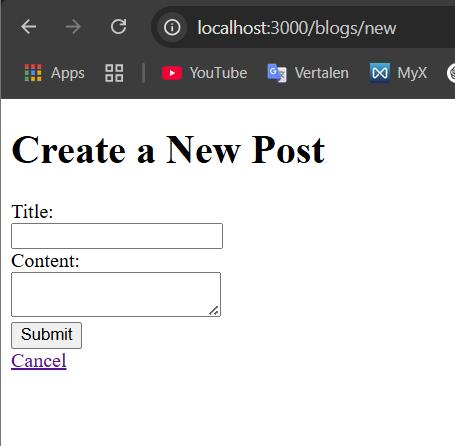
In the images above, you can see how the website looked before styling. I added two posts to show what it looked like.
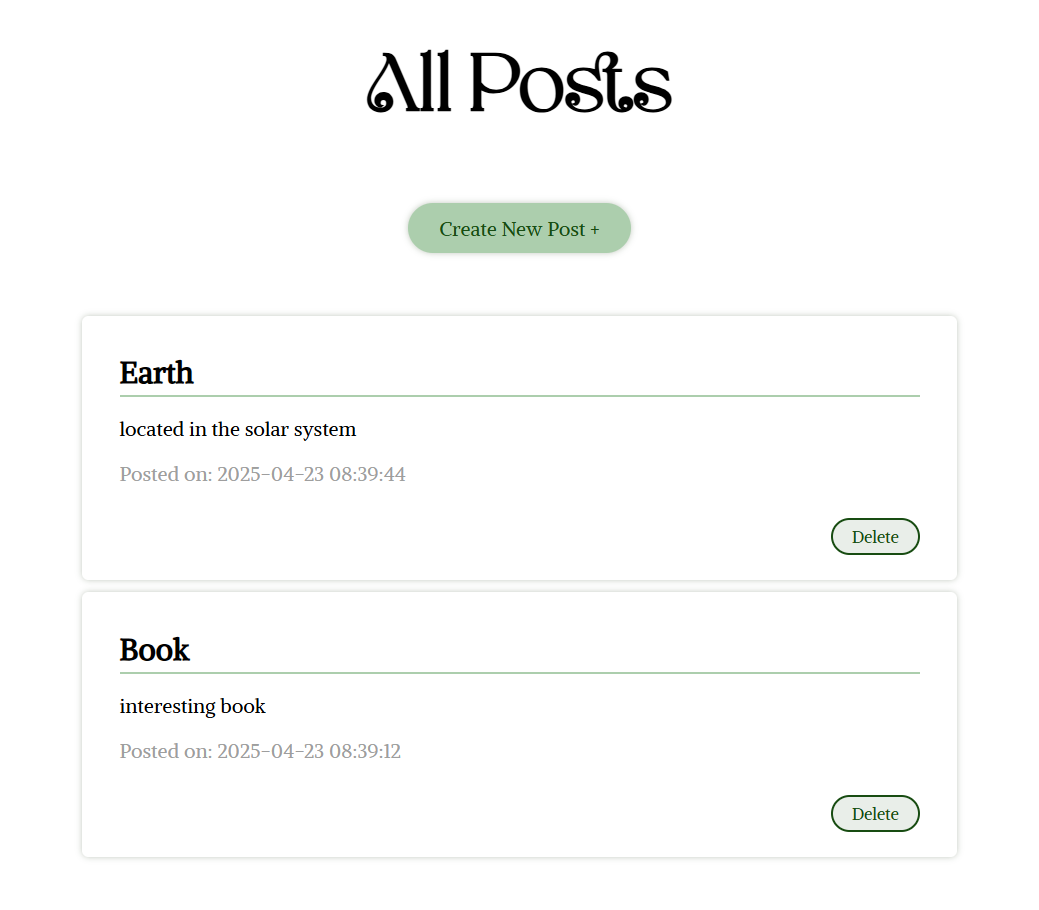
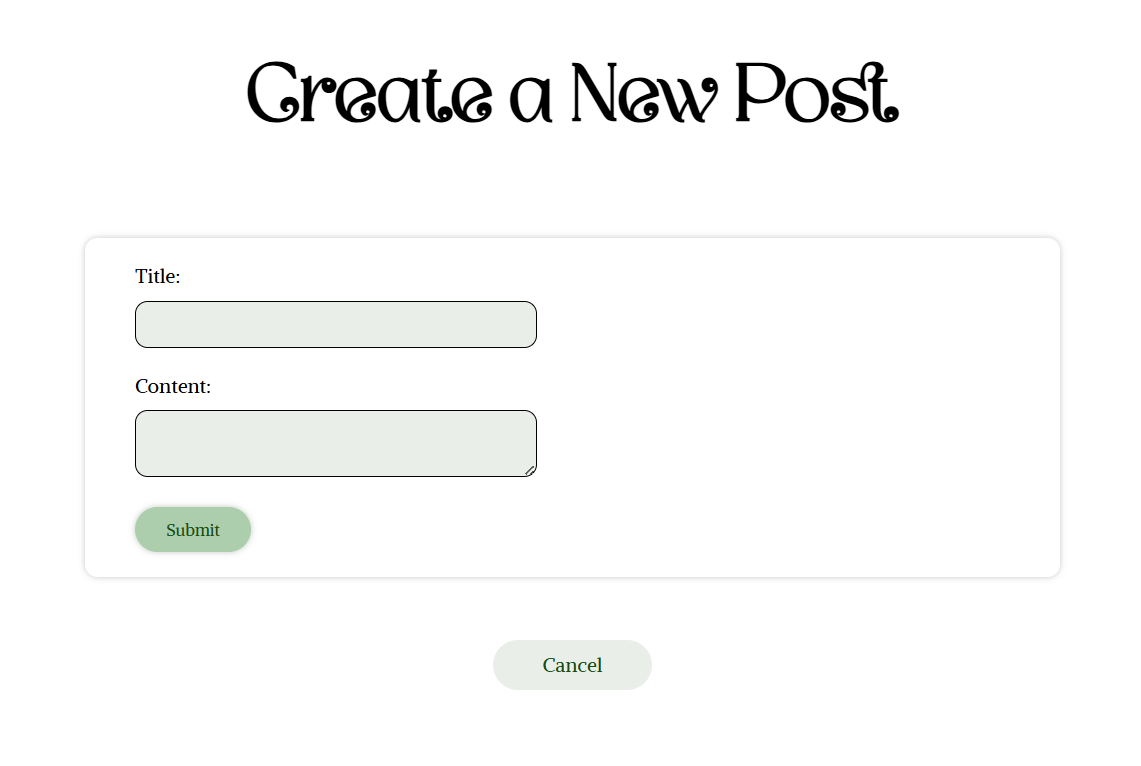
In the images above, you can see the styling I added. I also added a delete function to the posts using ChatGPT.
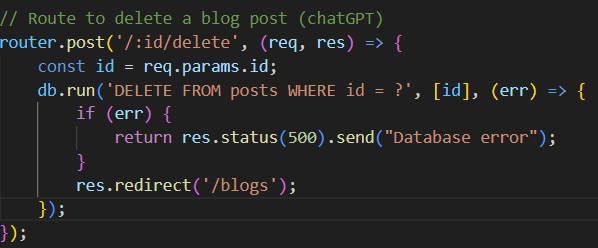

The code above was all that was needed to create the delete function.
The feedback I got on this was that it looked good.

API exercise
We had to style a book website, where you could add books to a database.
You first had to copy the code sent by the teacher to create the base, which included all the 'backend' code, then you had to add the front-end and something new to be able to add the exercise to your portfolio.
To run this app, you had to go to the terminal and type node app.js, and then you had to go to the “localhost:3000”, which would show the website. This is again different from just using the live server, which I'm used to.
I decided to add a function to add a cover image to the database. I used ChatGPT for this.
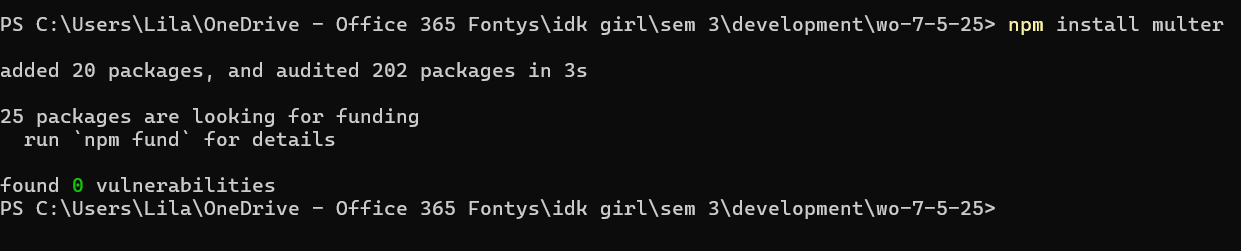
For the image add button to work, I first had to install a package in my project called multer.
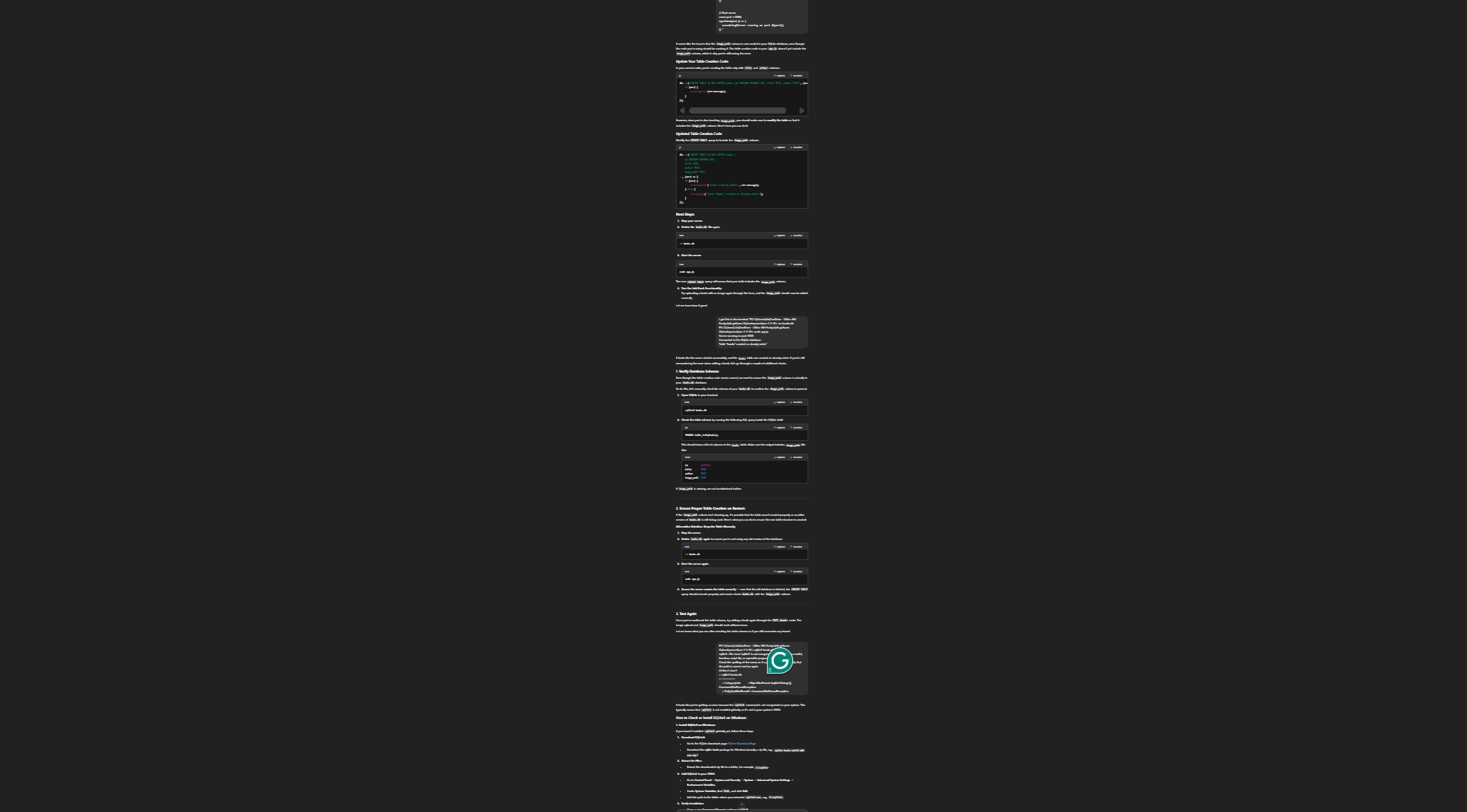
But there were a lot of issues I ran into, including that I had to clear the database before I could create a new section in the database to save the images. I tried to figure it out with ChatGPT, as you can see in the image above. Which took quite a few times.
After a lot of errors I got it to work with ChatGPT.
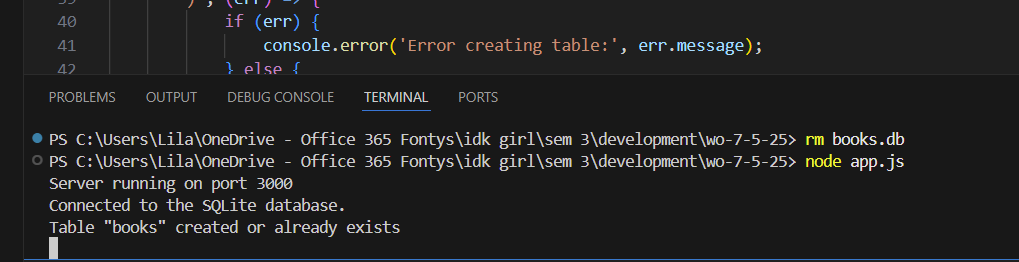
Eventually, I fixed the problem by restarting the project and using the terminal inside VS Code to delete the database.

In the image above, you can see how the image first looked when I finally got it to work.
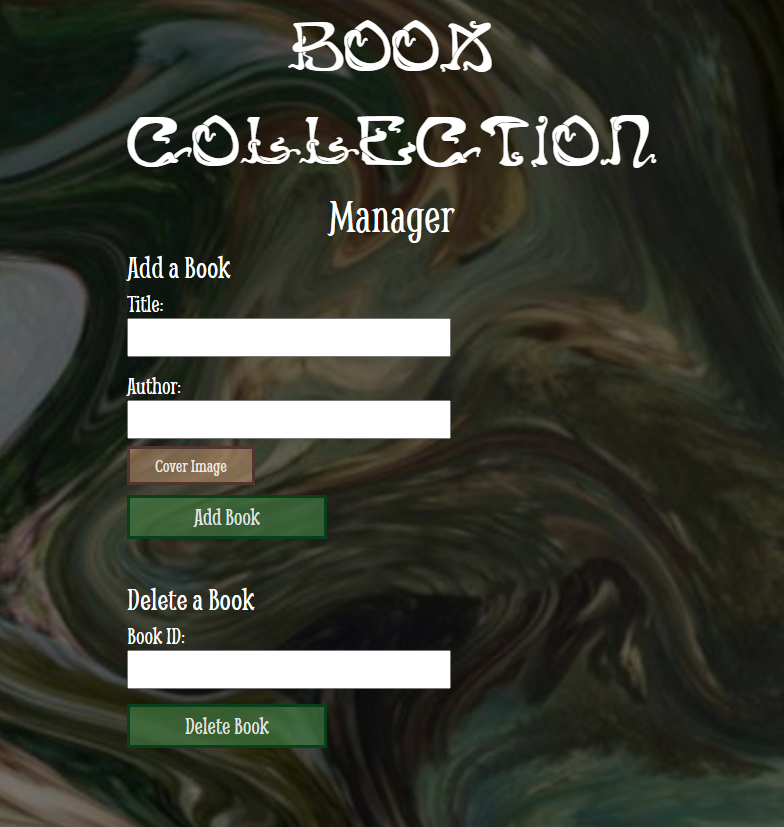
In the image above, you can see the page where you could add a book.
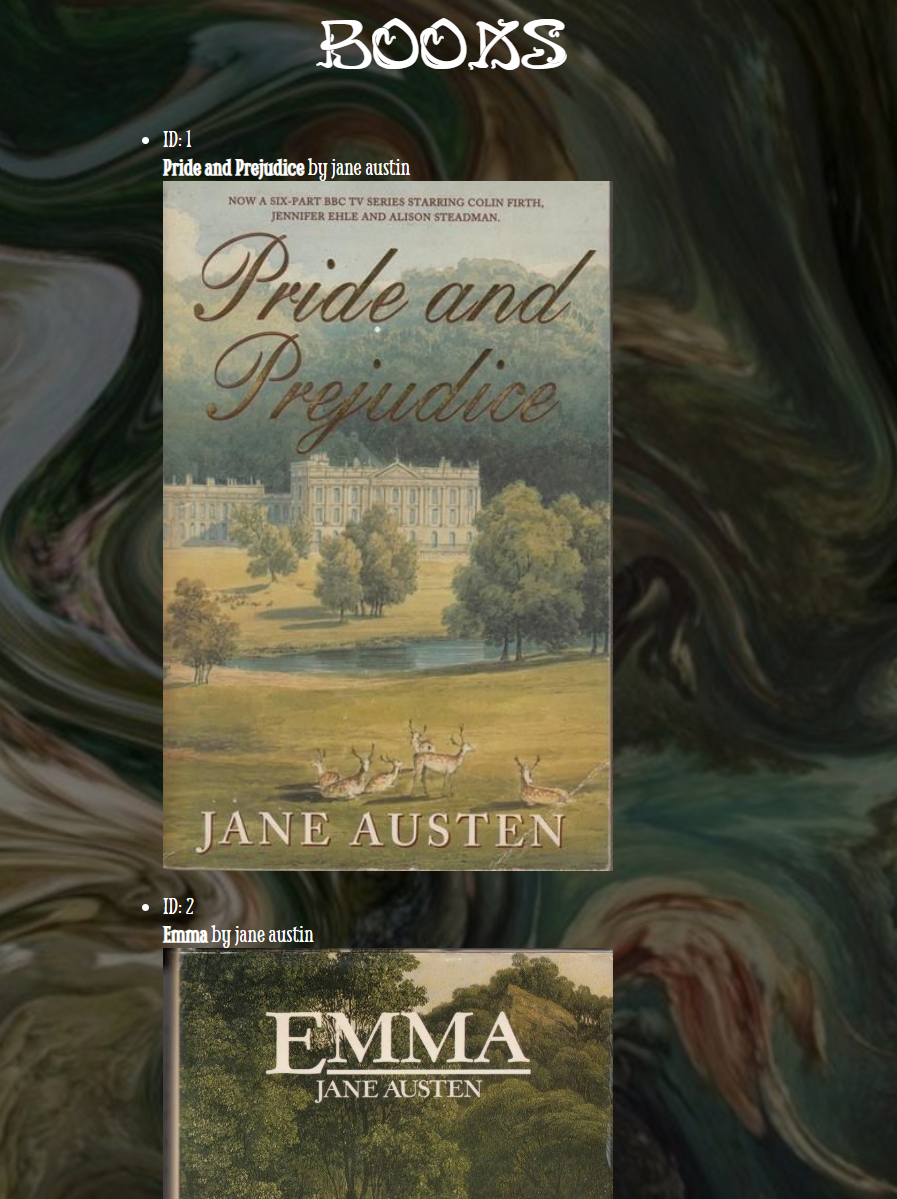
This is what I ended up with. The images were now bigger, and I took actual book covers and authors to make it look more like a real book database display.
Reflecting on this exercise. It was very interesting to work with, but I don't think I would be able to create this from scratch. I got to work with the elements, but I think I need to dive deeper to understand what the code means and what ChatGPT did to make it possible to add images. Right now, I'm proud that I got it to work, but I can't call the work my own, and that's why it feels a bit wrong to say that I did this exercise.
Image gallery using React
I received feedback in one of my portfolio reviews that I should make a project with React to widen my skills, so that is what I did.
I asked my software-specialized friend to help create an image gallery.
When I started working on this project, I did not even know how to begin. This was mainly because the last times I worked with this type of 'programming' I got the files and the step-by-step on how to start that project.
So, I found a YouTube video explaining how to begin the project.
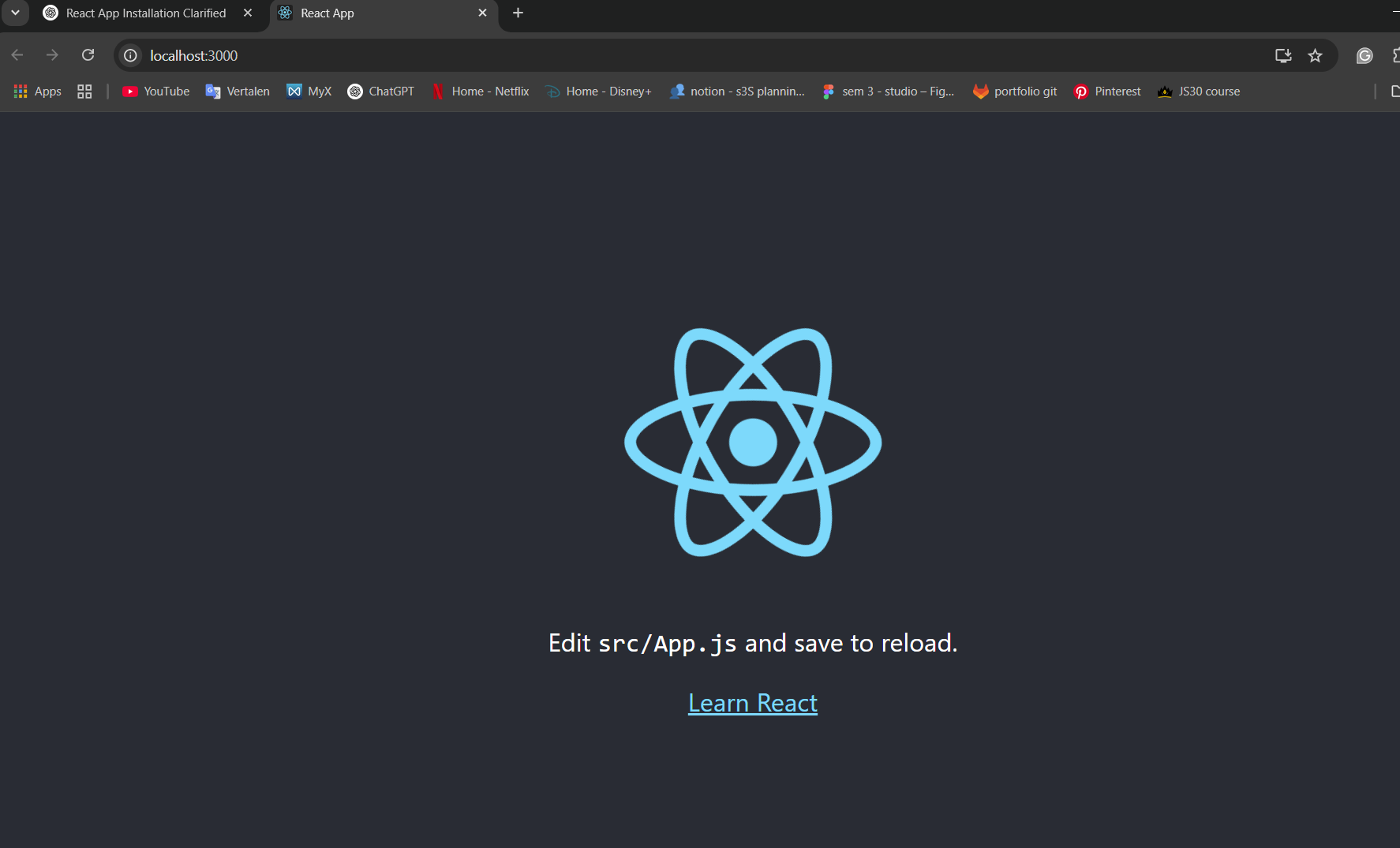
This YouTube video gave me the blank project I needed to get started.
I asked ChatGPT to help with setting up the rest. ChatGPT also recommended that I use Vite. This tool helps development go more easily on smaller projects by only updating the changed code instead of having to reload the code every time you change something.
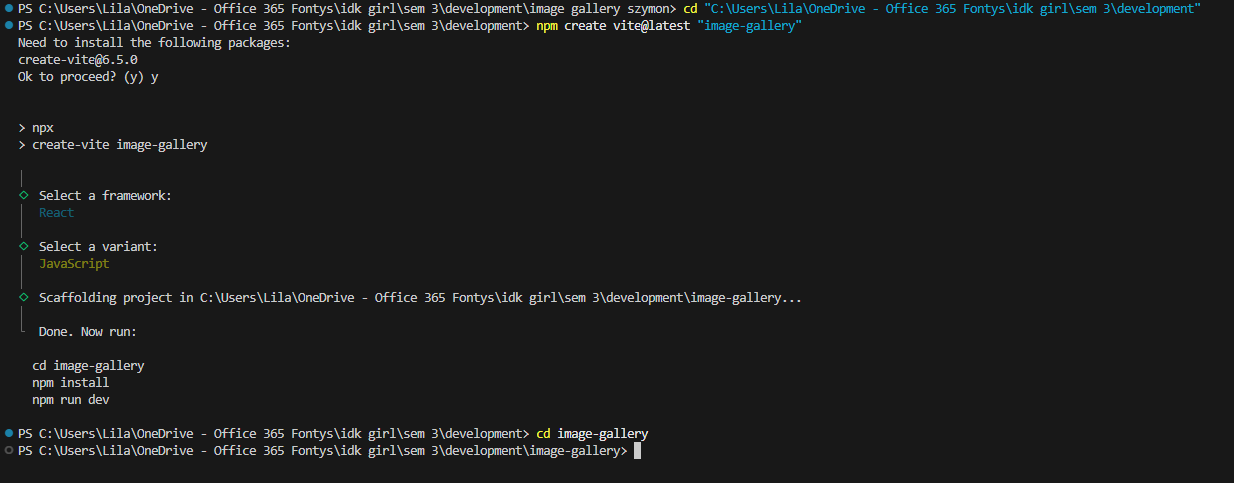
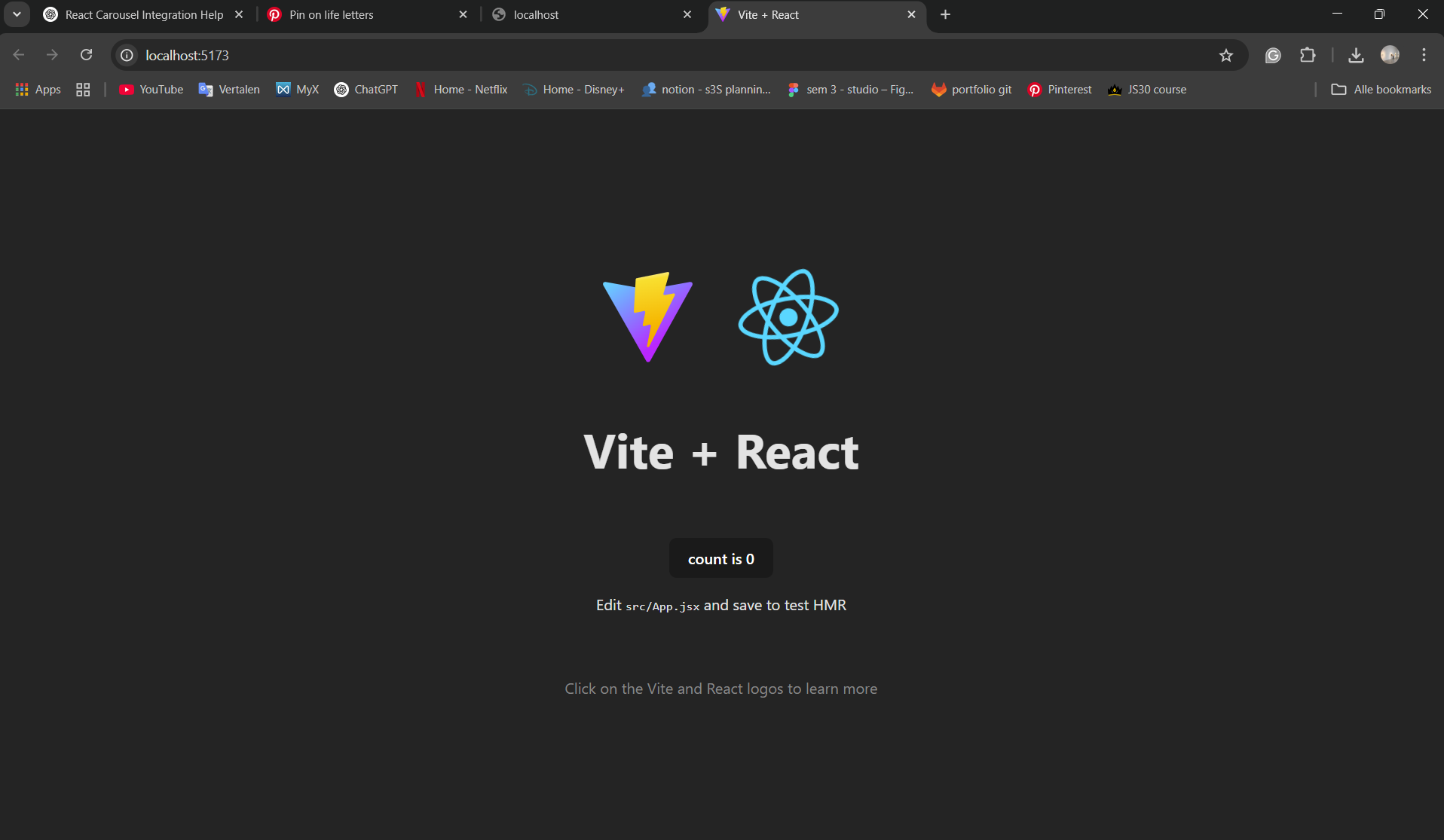
After installing Vite in my project, I had the image above as my starting project.
Then again, with the help of ChatGPT, I styled the page a bit more and added the carousel.
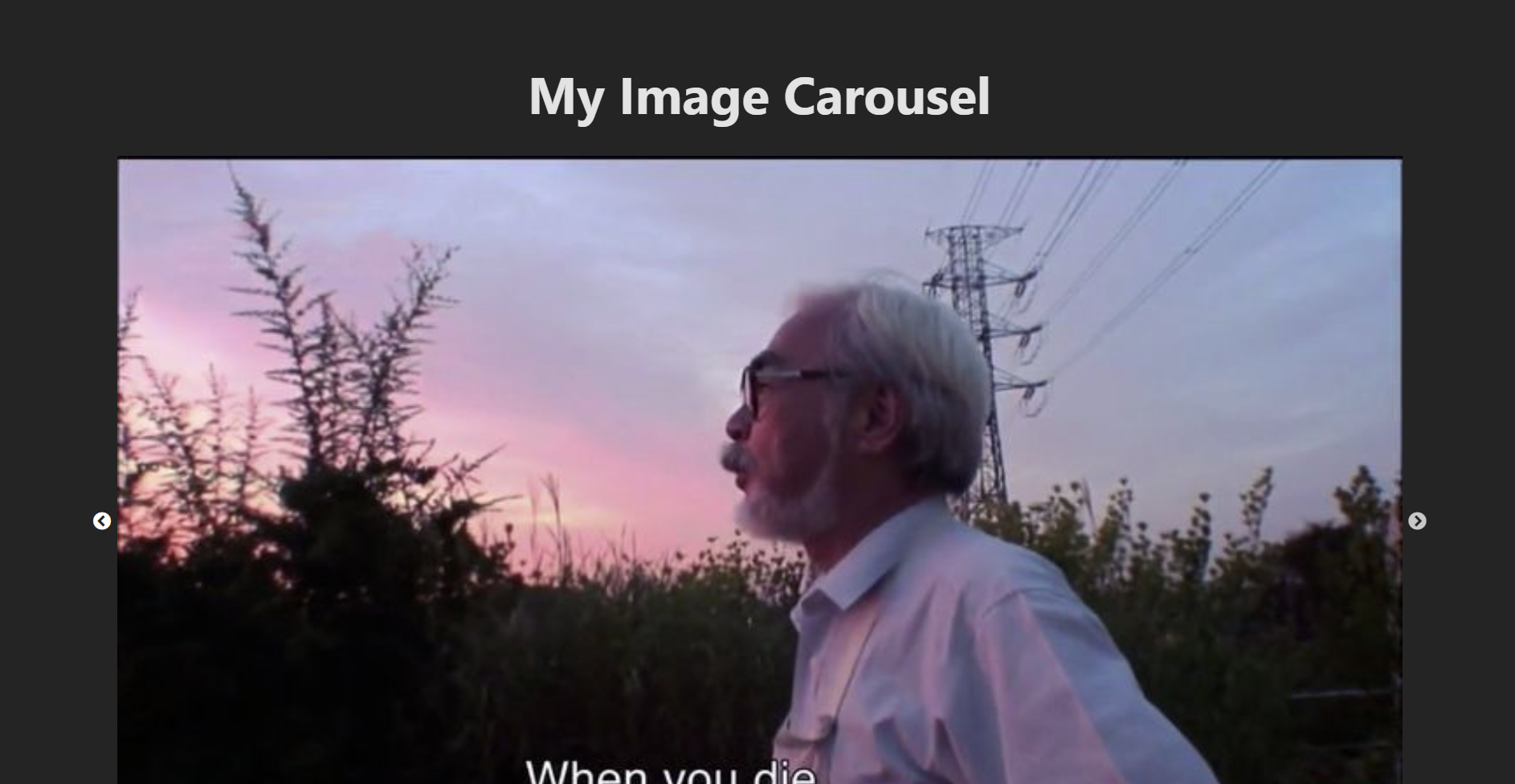
The carousel worked well, and I was quite content with it. I did want to add another page to this project to test out more, but do to a time constraint, I was not able to finish this.
Feedback
The feedback I received was that I should challenge myself more. Meaning I have to do more exercises and do an exercise that is not pre-made, like the image gallery using React.
Reflection
Reflecting on the first two exercises that were pre-made, I liked styling them and adding the new feature, but actually understanding the code is still difficult, and therefore, I feel like I cannot take credit for them. I know I have to dive deeper into it, but when I don't immediately understand something, I start to dislike it, which then makes it harder for me to commit to learning it more. In the future, I will give it my best shot to fight myself on this and actually start learning this crucial part of becoming an ICT proficient.
Reflecting on the React project I created with Vite, I feel like I could have made it more interesting. Right now, the project is exactly what I said it would be: an image carousel. I think do to the lack of motivation and time, I did not create a better project. In the future, I do plan on expanding this project.
View full documentation here